Configuring Windows Mail
You can use the built-in Windows Mail and Calendar application as an alternative to Microsoft Outlook or the myexchange.rocks app.
Setup Steps
- Open Settings and navigate to Accounts.
- Select under the Email & Accounts section.
- Choose .
- Click .
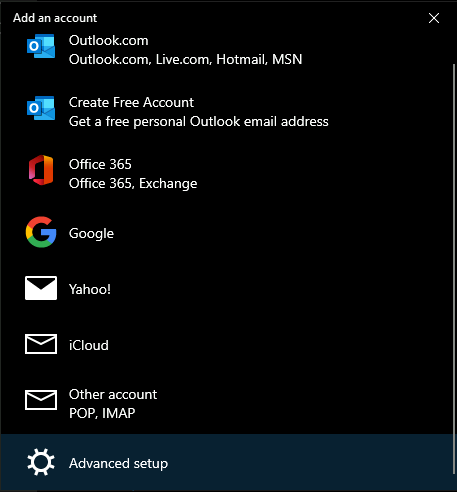
- Enter your email address and password.
Your myexchange.rocks account is now configured and ready to use in Windows Mail.